My laptop started performing unusually during the last rainfall. The screen would blink without reason, the keyboard would type characters at random, and one morning it just wouldn’t switch on. When I took it to a repair shop in a hurry, the man barely gave it a glance before declaring, “Water damage. Humidity got inside.”

I couldn’t understand. there was no moisture on the laptop. I had exercised care. however, he clarified that during the monsoon, the moisture in the air causes damage to your electronics from the inside out, not the water that is visible. that fix was entirely avoidable and cost me more than I’d want to say.
You’re facing the same issue whether you’ve noticed that your laptop fan is running louder than normal, your phone becoming unstable in the rain, or your TV remote requires new batteries every week. then what’s good news? you don’t have to spend lots of money on expensive equipment to protect what you own. that allow me to show you.
- Why Monsoon is your Electronic 's worst enemy
- How to Keep Electronics Dry in Humid Weather
- Can High Humidity Levels Damage Hardware?
- How do you protect electronics from Humidity?
- What to do when electronics get wet?
- What you should buy for protection?
- Common mistakes to avoid
- How often to check and clean
- What happens if you ignore all this stuff?
- Why you should start today?
Why Monsoon is your Electronic ‘s worst enemy
The majority of people are not aware of this connection between water and electronics. Your gadgets are more than simply metal and plastic. Circuit boards, small parts, and electrical connections that are extremely easily damaged by moisture are all found within. The humidity can go up to 80–90% during the monsoon, and water absorbs into everything.

Consider it this way: your room’s air may include some moisture on an average day, but it’s comfortable. The air is so wet with water during the monsoon that it essentially tries to enter everything. None of your devices like phone, laptop, TV, or camera are made for that level of constant moisture that contact with water.
When you consider what goes on within these machines, it’s truly quite scary. Circuit boards and metal components erode due to moisture. on weak parts, it produces moisture. In the worst situations, it results in short circuits that can destroy or seriously harm your devices.
The worst part is that water damage, even if it’s only from humidity, is typically not covered by warranties. you will thus have to spend for repairs or a replacement when your valuable device fails due to wetness.
How to Keep Electronics Dry in Humid Weather
You might be surprised to learn how simple it is to keep your devices dry in humid conditions. Expensive equipment and complex setups are not necessary. All you have to do is be smart about a few important topics.
To begin with, ventilation is your best friend and it is completely free. whenever it’s not raining, open your windows. I understand that this looks strange.
When the weather is humid, why allow outside air in? because air that is still is worse. Moisture collects and gathers in areas across your room when the air is static. these wet pockets are where your gadgets are sitting, gradually gathering moisture. however, moisture is unable to settle while air is moving. A few times a day, even 15 minutes of breathing together can make a major difference.
Consider purchasing a dehumidifier if you are in an area with extremely high humidity during the rainy season. Before I really saw the water it gathered, I wasn’t sure I wanted to buy one. My dehumidifier took about half a liter of water from the air in my bedroom in a single day during the height of the rain.
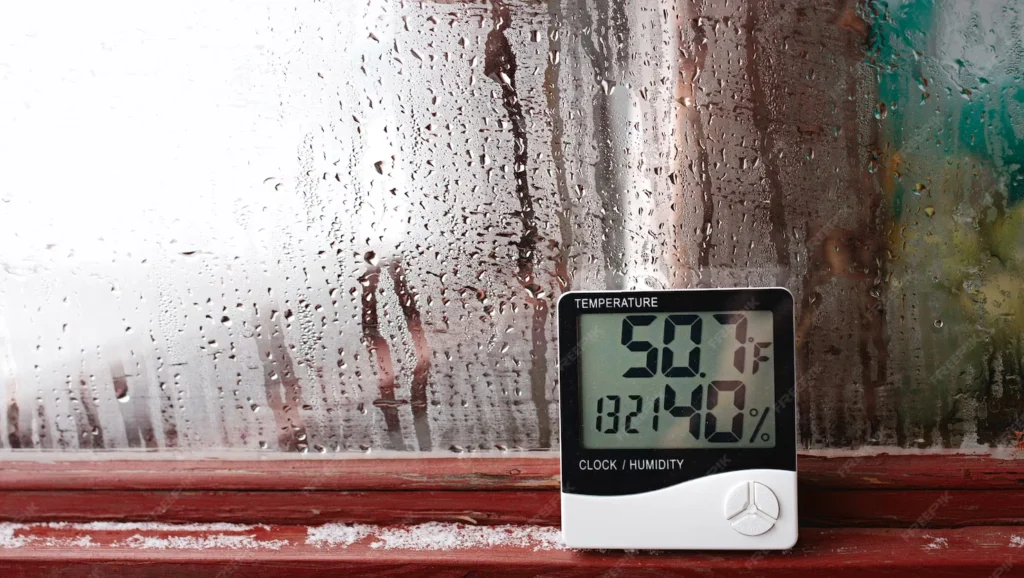
That is half a liter, which would have covered my TV, phone, and laptop. A costly model is not necessary. One water-damaged laptop may be fixed for less money than a simple dehumidifier for a small room.
You may be surprised to learn how much air conditioning helps. It does indeed chill your room, but it also dries up the air. During the monsoon, make advantage of your air conditioner. It will still remove humidity even if you set it to a moderate temperature rather than extremely cold. during the monsoon, there is a significant difference in moisture between an AC room and a typical room. An AC atmosphere will extend the life of your equipment.
Can High Humidity Levels Damage Hardware?
High humidity does, in fact, harm computer hardware, and it does so more quickly than you may think. extreme situations, such as keeping your PC in the shower, are not what I mean. During the monsoon, normal home humidity is enough for causing major issues.

The design of computer hardware makes it particularly vulnerable. To keep parts cool, your desktop computer’s cover is pulled by a number of fans. Excellent for controlling the temperature, but poor for preventing wetness. your motherboard, graphics card, RAM, and processor are all immediately in contact with damp air every time those fans turn. When these parts are exposed to moisture, their small circuits and connections corrode.
Your computer’s SSD or hard drive? At risk as well. The moving parts found in traditional hard disks are easy to rust. Even though SSDs don’t have moving parts, dampness may still cause their circuit boards to rust.
My friend’s external hard drive died due to moisture damage, causing them to lose years’ worth of family images. the drive has been unused, just sitting in a drawer. Through the USB port, humidity entered and gradually destroyed it.
How do you protect electronics from Humidity?
It takes everyday routines rather than one-time solutions to protect your gadgets against wetness. I now perform these actions naturally and they have prevented disaster for me.
Start by using a dry microfiber cloth to clean your gadgets on a regular basis. During the monsoon, dust becomes a serious issue. Dust becomes a sticky mess on your gadgets when it gets wet from humidity. It blocks airflow, retains moisture, and promotes short circuits.
Cleaning once a week during the monsoon season is not too much. It’s essential. For keyboards and ports, use compressed air. even if a cloth is somewhat wet, it should never be used on electronics.
Check the socket before plugging anything in. Don’t use it if any moisture is visible. First, make sure everything is fully dry. After watching a little spark from a wet plug, I noticed this. It might have been far worse. It just takes two seconds to inspect and might save costly damage or an accident.
Here’s something that makes laptops easier. Don’t turn off yours right away after using yours. Give it 10-15 more minutes to run on the desktop or a blank screen. this prevents moisture when you finally switch off the power by keeping the interior parts heated. although it’s a little habit, it keeps moisture from forming on parts as they cool.
What to do when electronics get wet?
No matter how hard you try, wetness or moisture may enter inside gadgets. Your actions throughout the first several minutes are important.
Switch off the gadget right away. Not standby, not sleep mode. Off completely. Remove the battery if you can. this keeps short circuits from happening while the inside is still wet. I understand how easy it is to see if it still works, but tackle against the temptation. In many cases, turning on a wet device rather than the water itself is what permanently damages it.
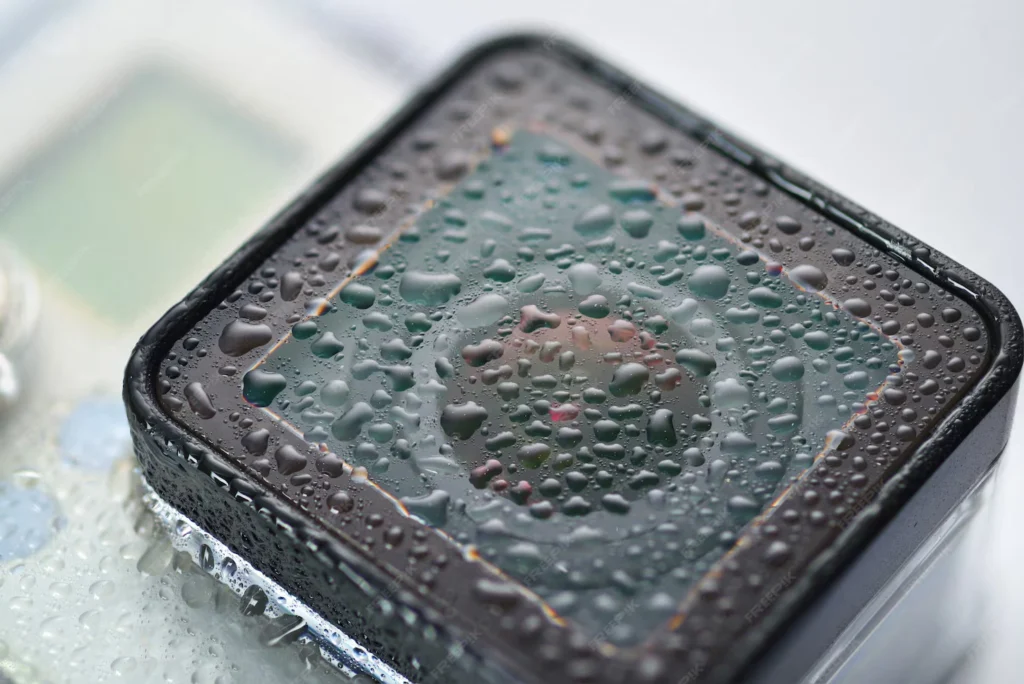
It is recommended to keep silica gel in an airtight container for tiny gadgets like phones or remote controls. Fill it full of packages. there should be silica gel all around the gadget. Don’t leave it overnight; leave it for at least 48 hours. It takes time for moisture to fully evaporate. Although it’s slower and rice dust might get inside your gadget, the widely used rice approach does work.
Laptops cannot be placed in a container. In a dry environment, place them open in front of a fan. however, stay away from direct sunlight since it can harm displays. you need a good air flow. It helps to have a dehumidifier going in the same room. once more, don’t try to turn on for at least 48 hours.
Here’s a tip I’ve found to be effective. Wrap sachets of silica gel with tape around the trouble spot. It works, with its odd appearance. I put four packets around my laptop’s trackpad when it was acting strangely from moisture, left it overnight, and the next day everything was fine. The moisture that had gotten inside was pulled out by the packets.
What you should buy for protection?
Certain things are worthwhile to get especially during the monsoon season. They are simple and might help you avoid far more costly expenses.
Buying silica gel packets in bulk is most likely the best option. A 50-piece set lasts the entire season and is less expensive than a movie ticket. you can put them all over. In camera bags, near the TV, in laptop bags, and in drawers containing devices. they can also be reused. Dry them in your oven on low heat for a few hours after they have taken in moisture and changed color. Like new.

Storage containers that are airtight and come in various sizes are very helpful. little ones for memory cards and USB devices. when storing phones and tablets, choose medium ones. Big ones for cameras. I use silica gel to keep all of my often used devices during the peak heat of the monsoon season. Until you consider the expense of that equipment, it looks expensive.
A simple hygrometer measures the humidity in your space. They are inexpensive and provide you with factual information rather than opinion. You know you need to do more when the humidity rises above 60%.
When humidity levels become too high, some feature warnings that sound. you can make better judgments about opening windows or running dehumidifiers if you are aware of the numbers.
Common mistakes to avoid
Let me to protect you from mistakes that I have made or seen others make.
Hair dryers should not be used on wet electronics. Components can take damage from the heat, and moisture may be forced further within by the wind. Use the coldest setting and keep it far away if you must use heat. even better is to avoid using heat entirely. you should allow everything to air dry naturally.
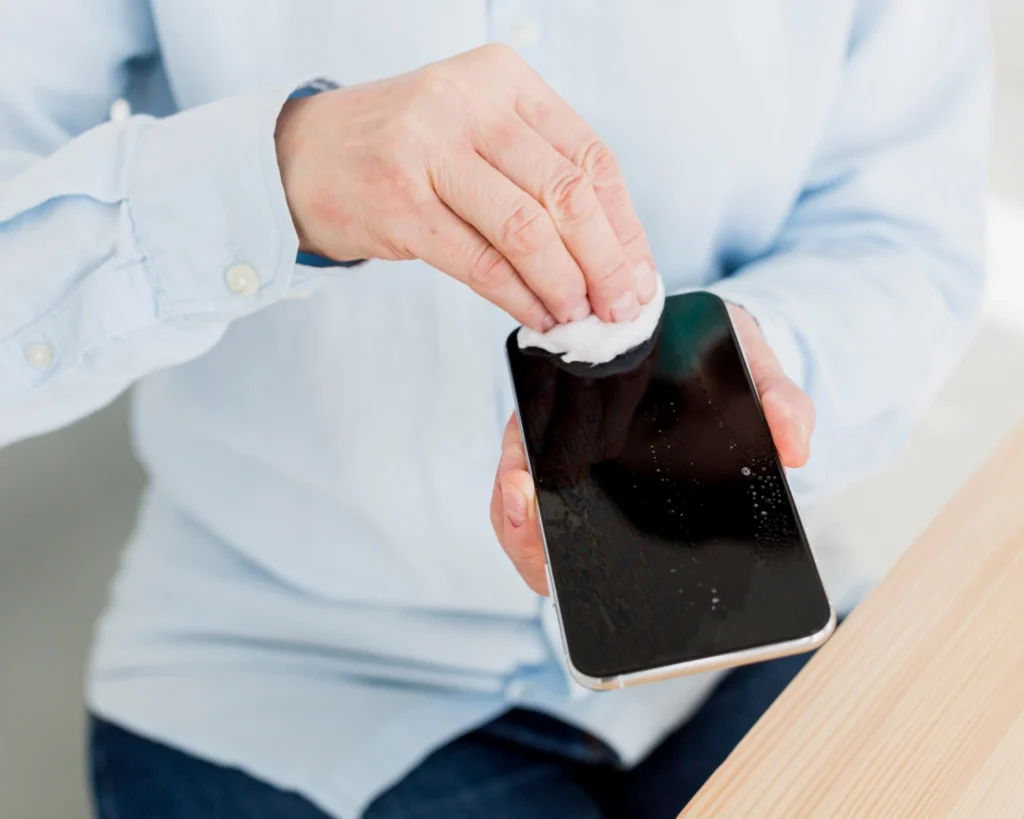
Do not test the functionality of wet gadgets by turning them on. I know I say this a lot, but it’s important. Although checking appears harmless, it frequently results in irreversible harm. Hold on. you should have patience. first, let it dry fully.
During the rainy season, avoid keeping devices in basements, kitchens, or bathrooms. In every home, these are the most humid sections. You can find it literally anyplace else. A bathroom cabinet is equal to even a shelf in a humid area.
Electronics should not be stored in plastic or fabric unless silica gel has been applied. When a gadget is covered without moisture absorbers, dampness stays within. Better than leaving it open, that is.
Pay attention to warning indications like device overheating, fast battery loss, and random failures are frequently early indicators of moisture issues that you can still resolve. Deal with them right away. Avoid waiting for total failure.
How often to check and clean
This is possible rather than overwhelming when you have a routine.
I make a quick check once a week during the rains. Use a dry towel to wipe off every gadget. Use air with pressure to clean ports and keyboards.
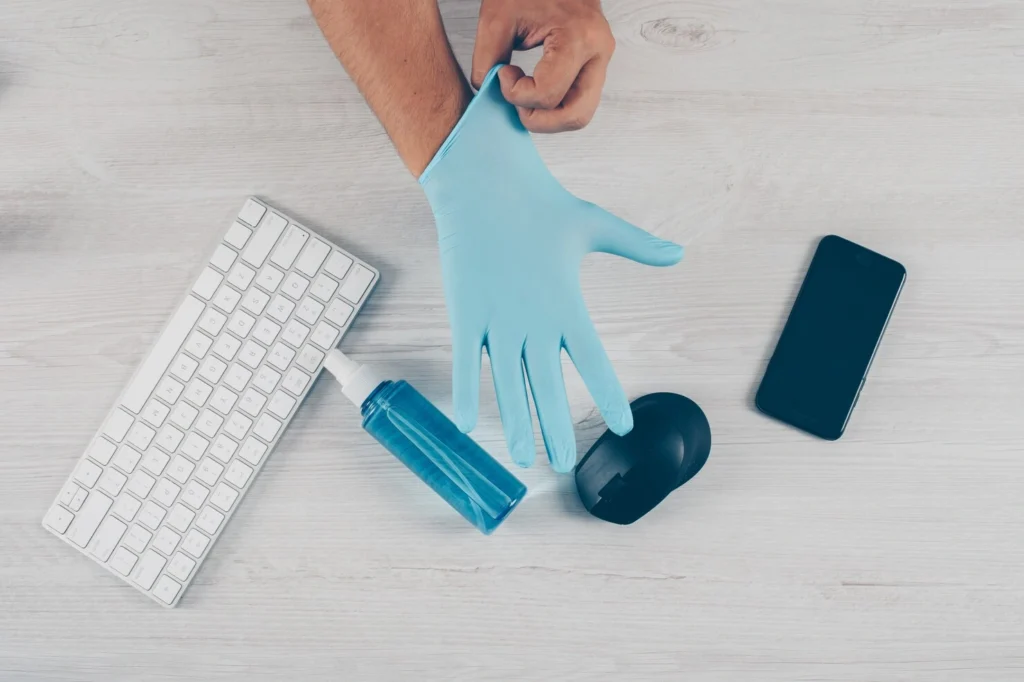
Check the silica gel packets and swap out any that have turned discolored. you should keep an eye out for rust or dampness. make sure everything works properly by testing it all. This takes around half an hour in total.
I dive further every two weeks. Desktop PCs should be kept clean. check for mold or moisture behind TVs and entertainment centers. Put new silica gel in storage containers and rearrange them. To get rid of dust, vacuum the area surrounding electronic devices.
I perform a complete check every month. Check the humidity levels in various spaces. Verify if the safety precautions are effective. Even if the color of the silica gel packets hasn’t changed, replace them all. Think about whether anything need expert cleaning.
This may seem like a lot, but it becomes natural once you find your groove. Additionally, it’s much less painful than repairing broken devices.
What happens if you ignore all this stuff?
I’ve have gone over my laptop with you. In order to make the idea more clear, I’ll also tell you about my friend.
He had built his own costly gaming PC. Superb configuration, top-tier graphics card, everything. he believed his AC room was sufficient, even though he was aware of humidity. He was fortunate to have two monsoons. T
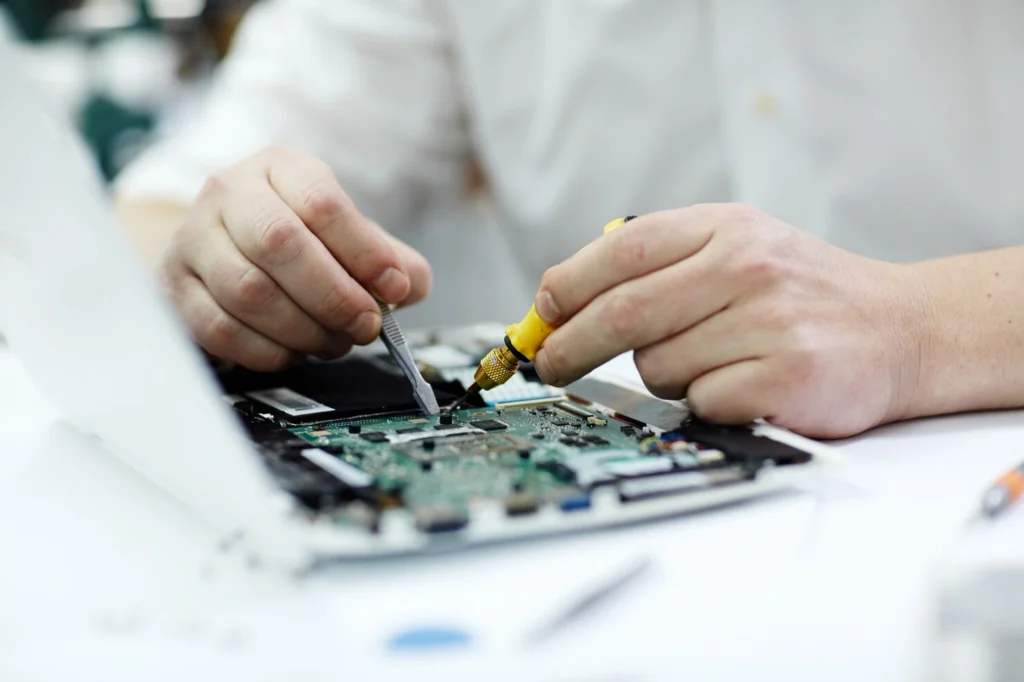
Then his graphics card died one season. Then there was rust on his motherboard. he had to replace the majority of his PC by the time he realized how terrible it was. Total price? more than the initial installation.
Just before the wedding, a friend of mine missed an entire wedding picture session due to water damage to her camera sensor. Lesson learned is that there is no backup camera, last-minute equipment rental, customer apologies and handling the pressure.
These kinds of events are not uncommon. Every monsoon, repair businesses become overrun with devices that have been harmed by dampness. If repairs are possible, they typically cost between 50 and 70 percent of the original cost. sometimes you have to buy new since the damage is too great.
Why you should start today?
It’s easy and affordable to protect your devices from water. It all comes down to awareness and taking little, regular steps.
I’ve included a few things you don’t have to do. You can start with the fundamentals. Increase air flow, apply silica gel, maintain cleanliness and dryness, and create good daily routines. Most of the time, those by themselves safeguard the majority of gadgets.
Starting now, rather than after something breaks, is important. Damage is done by the time your phone starts acting strangely or your laptop stops turning on. Compared to repair, prevention is simpler, less expensive, and less stressful.
Consider all of the gadgets in your house at the moment. All of your contacts and pictures are on your phone. Work and personal files on your laptop. your game console, TV, and camera. now compare that with purchasing some containers and sachets of silica gel and forming healthier habits. these calculations are pretty simple.
Don’t allow humidity destroy your expensive goods during the monsoon season. Your gadgets can work when you need them if you take action and establish a habit. you’ll be grateful later, I claim, when you’re not standing in a repair shop watching someone shake their head at your laptop because it’s destroyed by rain.
Why is monsoon humidity harmful to electronics?
Well, high humidity makes it possible for moisture to gather within electronics, which can lead to long-term performance problems, internal component corrosion, short circuits, and rust on metal parts.
Which electronic devices are most at risk during the monsoon?
There are devices which have holes for airflow or heat-generating capabilities are particularly at risk. Desktop and laptop computers, TVs, speakers, game consoles, routers, and household appliances like washing machines and refrigerators are all included in this.
How can I tell if humidity has affected my device?
Foggy screens, rust on ports, distorted audio, flickering screens, poor performance, frequent shutdowns, or a pungent smell coming from the device are typical indicators.