Your phone just got wet in the rain.
You wipe the screen dry and feel happy because the display still works. but then your phone rings, or you try to play a video, and you realize something is wrong.
The speaker has a totally muted voice. The music looks to be playing underwater.
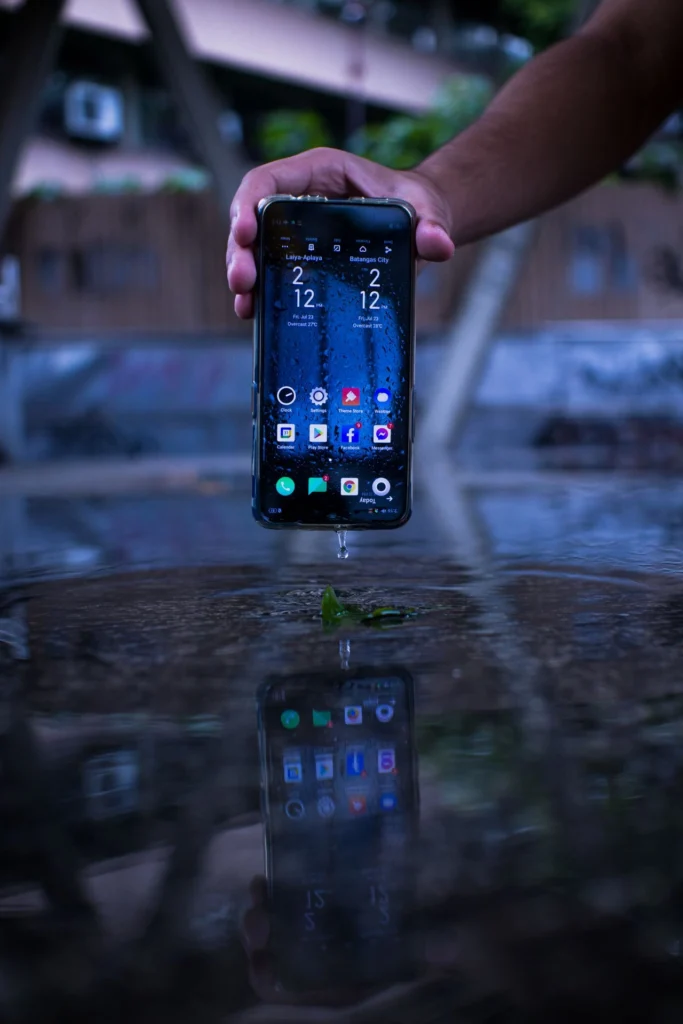
The small speaker holes at the bottom of your phone contain clogged water. keeping it there might cause it to leak more and damage your phone entirely. now is the time to remove the water.
Do not, however, place your phone in a bowl of rice.
Although we’ve all heard this technique from friends, phone repair experts are against it. Fine dust covers uncooked rice. the dust and water combine when a wet phone is placed inside a bag of rice. Inside your speaker and charging port, it becomes a sticky paste.
Your phone is not dried by it. All it produces is an ugly piece of garbage. you should never use a hair dryer, too! The glue holding your phone together may dissolve in the heated air.
To safely force the water out, use sound waves rather than heat or rice. Here’s how to do it for both iPhone and Android.
The Free Sound Wave Trick (Fix it in 2 minutes)
Did you know your phone can push the water out all by itself?
It uses a smart trick. If you play a very specific, loud sound, it makes the speaker shake very fast. this shaking physically throws the water drops right out of the speaker holes.
Method 1: Use a Free Website (Works for Android & iPhone)
This is the easiest way to clear the water as you do not need to download any apps.
- Open your web browser (like Chrome or Safari).
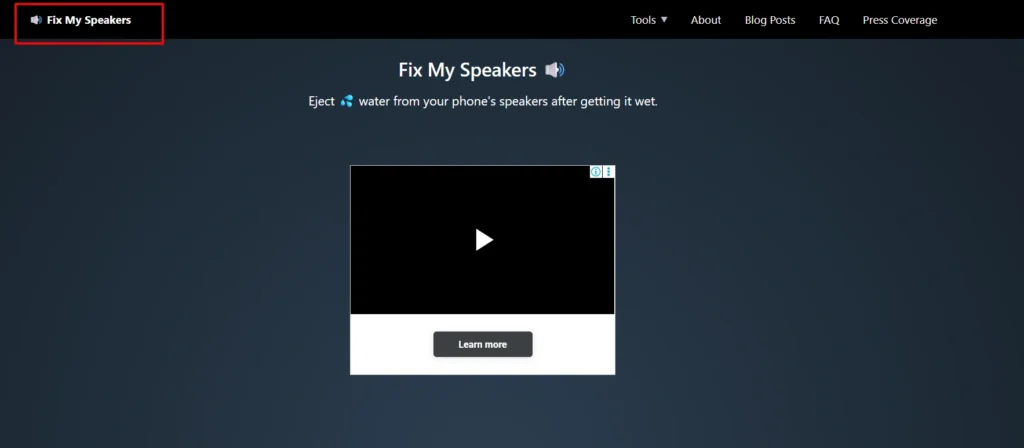
- Go to a free website called FixMySpeakers.com.
- Turn your phone volume all the way up to maximum.
- Tap the big button on the screen that has a water and wind picture just like below small clip from fixmyspeakers
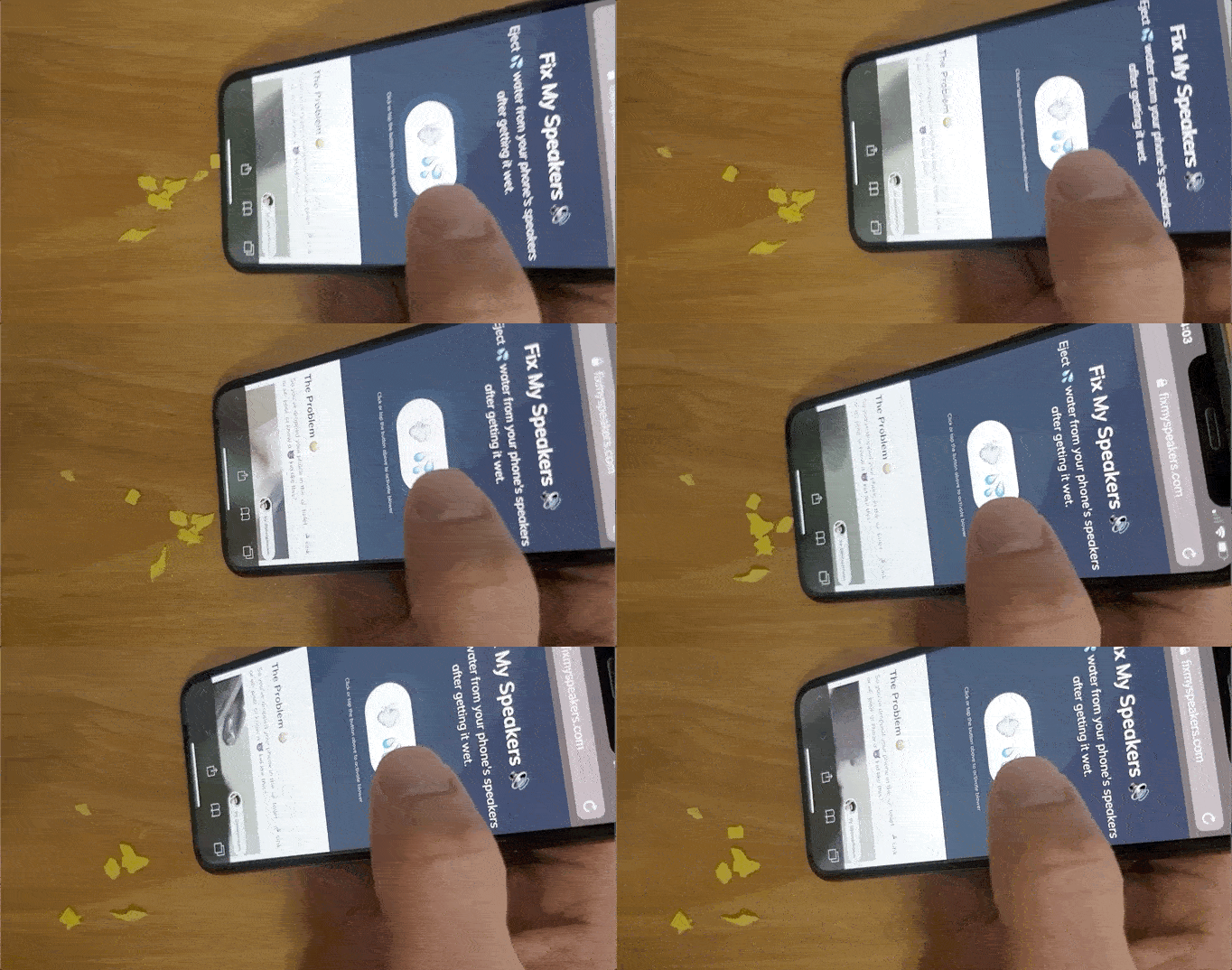
Your phone will start playing a very loud, weird noise. Do not worry, this is normal!
Just leave your phone on the table for a minute or two while the sound plays. If you look closely, you might even see tiny drops of water shooting out of the bottom of your phone.
Method 2: Use the “Water Eject” Shortcut (For iPhone Users Only)
If you use an iPhone, you have another cool option using a built-in Apple feature.
- Open Google on your iPhone and search for “Water Eject Siri Shortcut”.
- Download the free shortcut to your official Apple Shortcuts app.
- Tap the shortcut whenever your phone gets wet.
This shortcut automatically plays the exact tone needed to clear the water from your Apple speakers. It is a great tool to keep saved on your home screen during the rainy season.
How to care for a noisy speaker
Sometimes, the sound wave trick does not get every single drop of water out. If your speaker still sounds a little bit bad, you need to use the overnight drying method.
The Silica Gel Method
Remember those little white packets that say “Do Not Eat” when you buy a new pair of shoes or a new bag? those are called silica gel packets.
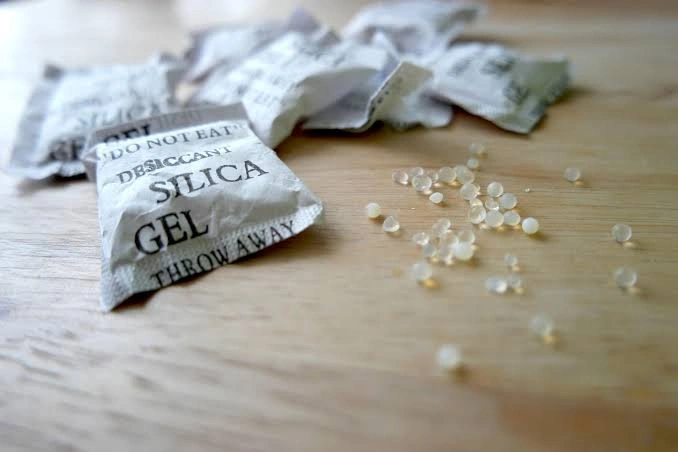
Unlike rice, silica gel is actually made for absorbing water out of the air safely, without any messy dust.
If you have some of these packets at home:
- Put your phone inside an airtight plastic container with a lid.
- Throw 4 or 5 silica gel packets into the box with the phone.
- Close the lid tightly and leave it overnight.
By the next morning, the silica gel will have pulled the remaining water out of your speaker.
Read: 5 Essential Pre-Monsoon Car Checks to Avoid Breakdowns
How to check for permanent water damage
If you tried all these steps and your phone speaker still does not work, the water might have reached the motherboard.
You can check if your phone is permanently damaged by looking at a hidden sticker inside your phone. It is called the Liquid Damage Indicator (LDI).
- Take a pin and pull out your SIM card tray.
- Shine a flashlight inside the SIM card hole.
- Look for a tiny sticker and If the sticker is white or silver, your phone is safe.
- If the sticker has turned solid red or pink, it means water has flooded the inside of your phone.
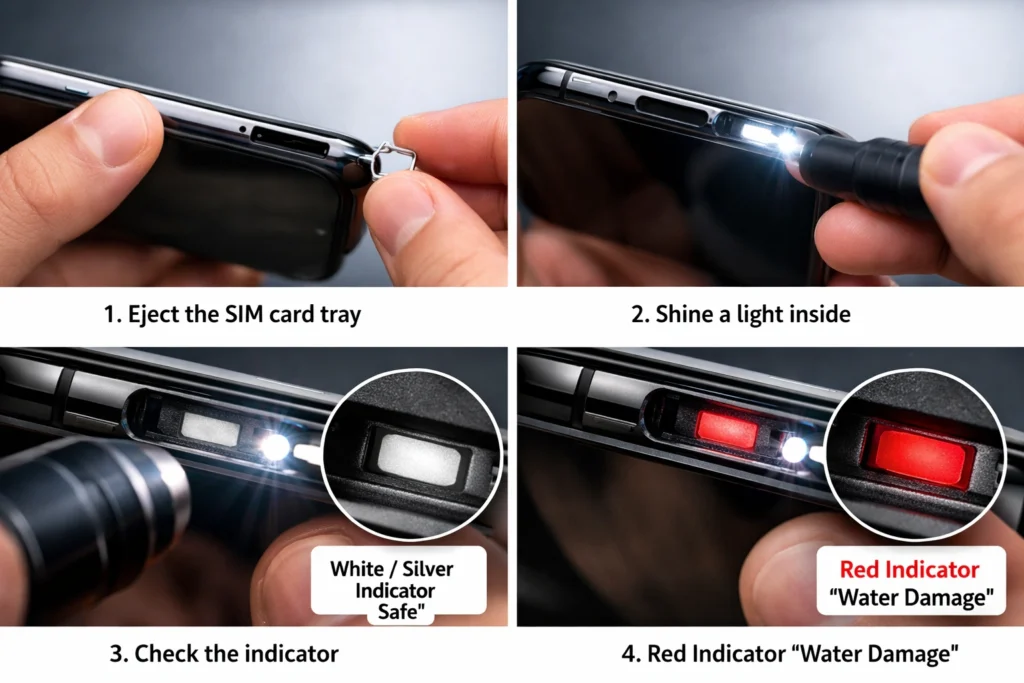
If you see red, you need to take your phone to a repair shop immediately before it stops turning on completely.
Frequently Asked Questions (FAQs)
Can i charge my phone right after it gets wet?
No, you must never plug a charger into a wet phone. If there is water inside the charging port, the electricity will cause a short circuit and instantly fry your phone. you must wait until the port is 100% dry. most modern phones will actually show a “Liquid Detected” warning on the screen to stop you from charging it.
My phone says it is “waterproof.” Do i still need to worry?
No phone is truly waterproof as they are only waterproof. Over time, the protective glue inside your phone wears down, especially if you drop your phone often. even if your phone is brand new, it is always best to clear the water out of the speakers just to be safe.
Will my phone warranty pay for water damage?
Unfortunately, no. there are standard warranties from companies like Apple, Samsung, and OnePlus which do not cover water damage. If the Liquid Damage Indicator (the little sticker inside the SIM tray) turns red, the repair center will reject your free warranty claim.